STEP 01
Connect your channels
Create your workspace and connect your supported WhatsApp or SMS channels.
Make every customer conversation count. Connect WhatsApp, SMS, campaigns and automation from one easy workspace.





Turn website visits into WhatsApp conversations. Welcome visitors with your brand, answer with a configurable workflow and bring in a real agent when they need one.
Nine designs · English & Arabic · Bot + human handoff
 Actual interface · demonstration data
An introduction followed by the actual branding, phone selection, workflow and installation screens. English on-screen captions and a full transcript; demonstration data, no narration.
70 seconds · Introduction + English captionsFictional account and sample phone. This is a guided design preview; no subscription was activated and no WhatsApp messages were sent.
Website WhatsApp Chat connects your website to your own WhatsApp phone. Use nine designs, a workflow bot and your support team.
Open Website chat from the portal menu. Choose a design, then customize your logo, colors, welcome text and language. Preview before publishing.
Select a phone you own, with its inbox enabled. The widget uses this phone and your existing WASMS messaging allowance.
Use replies, questions and keyword branches. Add a human-agent step, opening hours and reply delays. Assignment or manual replies pause the bot.
Add exact HTTPS website origins and your privacy link. Save and publish, then paste the embed code before the closing head tag or use a CMS installer.
The visitor enters a name and WhatsApp number and gives contact permission. WhatsApp opens with a message. The visitor must press Send to start.
Continue human conversations in the shared inbox. The add-on is 10 USD per month before VAT. Pay renewal invoices through checkout; no automatic card charge.
Connect with customers, organize communication and bring your everyday tools together.
Organize your opted-in audience, personalize messages and schedule useful updates, reminders and follow-ups.
Explore campaigns
Use APIs and webhooks to connect messaging to your website, store, billing system or custom application.
View integrations
Build reply actions and visual flows. Connect configured AI providers to support the workflows your business needs.
Explore automationThree simple steps to a more connected customer experience.
Create your workspace and connect your supported WhatsApp or SMS channels.
Bring your website, store or custom application into your messaging workflow.
Send useful updates, organize campaigns and follow activity from your dashboard.
Plan customer reminders and follow-ups around your business workflow.
Group contacts so your messages stay relevant to the people receiving them.
Review sent and received messages from your workspace.
Your next campaignDraftHi Alex! A quick update from our team. Your order is ready — we’ll keep you in the loop.
Create reply actions and use configured AI providers in supported workflows.
Let events in your business tools trigger useful customer communication.
Use visual flows to make your routine communication easier to manage.
Connect business events with timely notifications through your application.
Help customers understand what happens next, with clear personal updates.
Use the WASMS API and webhooks to fit messaging into your workflow.
Customer notifications···Explore our integration plugins and business modules.
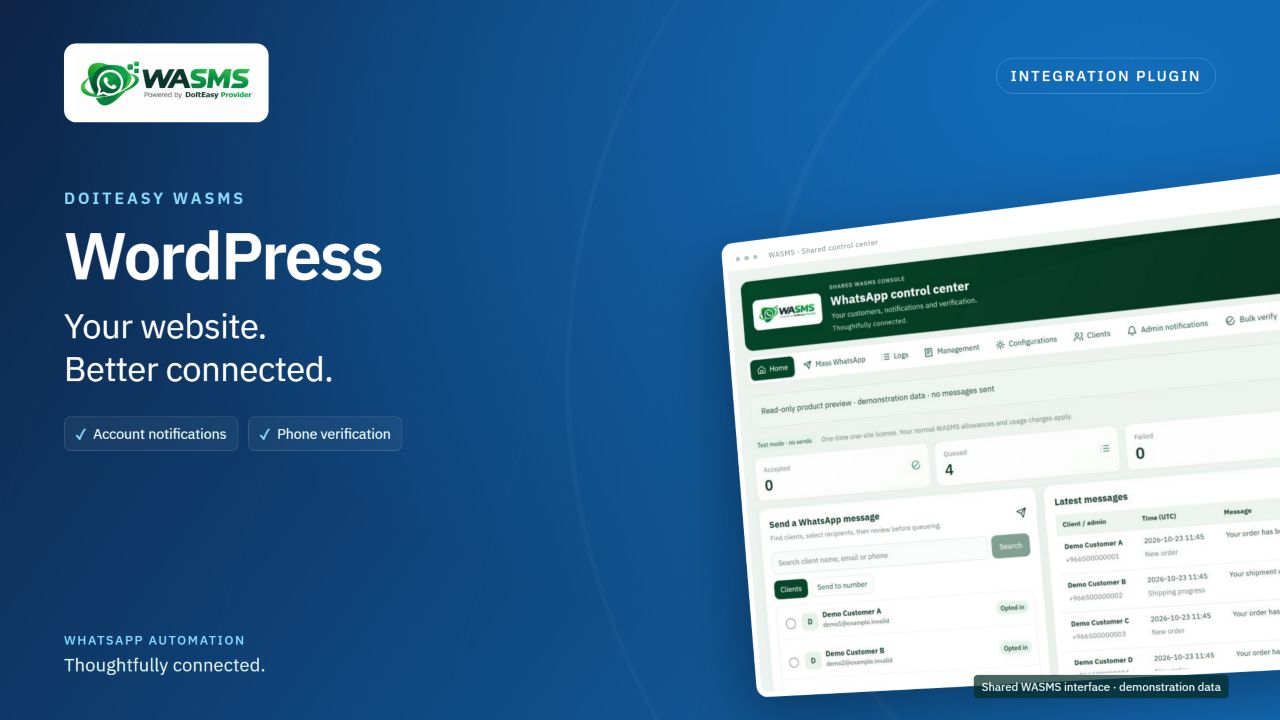
WhatsApp notifications, editable templates and phone verification for WordPress. One-time activation for one site, with installation and usage guides.
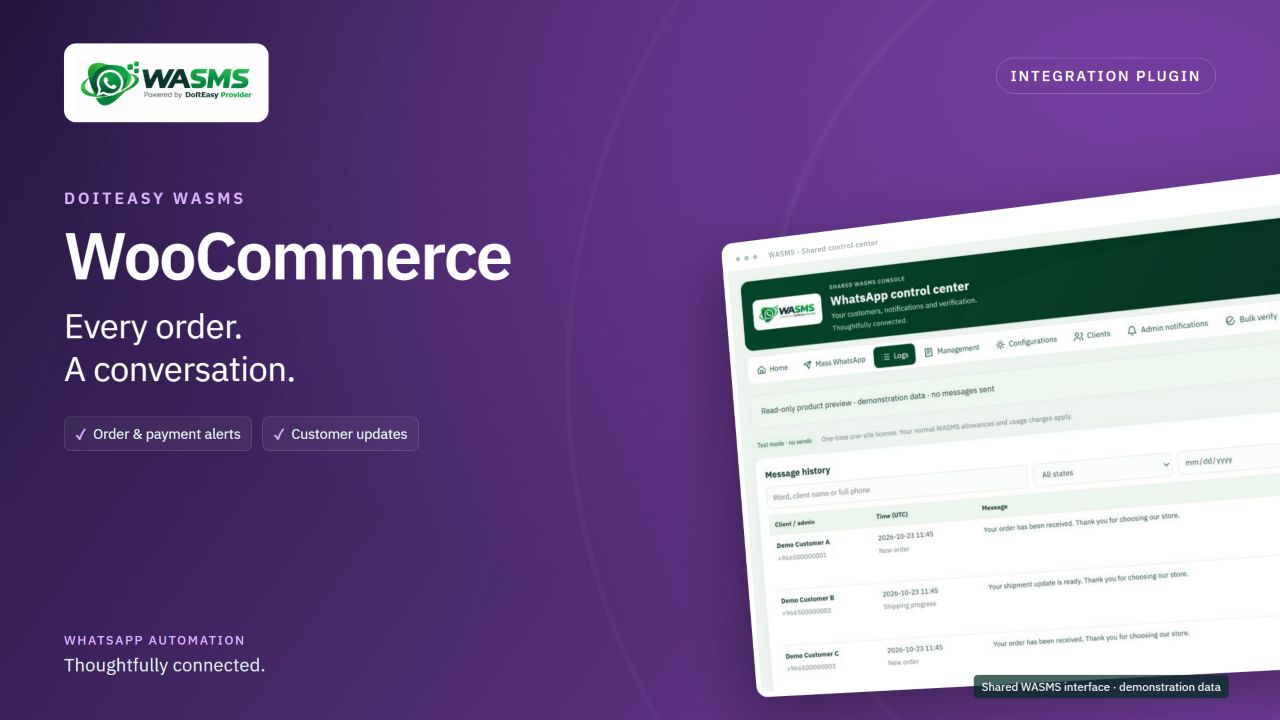
WhatsApp notifications, editable templates and phone verification for WooCommerce. One-time activation for one site, with installation and usage guides.
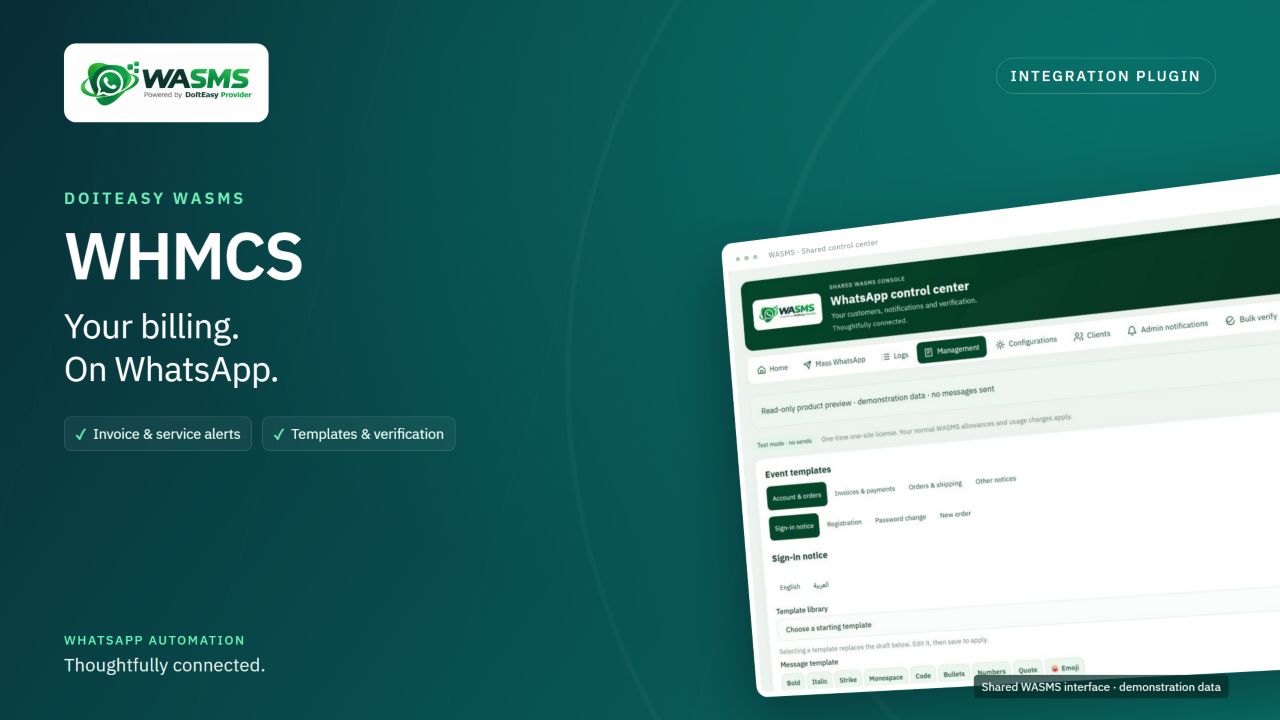
WhatsApp notifications, editable templates and phone verification for WHMCS. One-time activation for one site, with installation and usage guides.
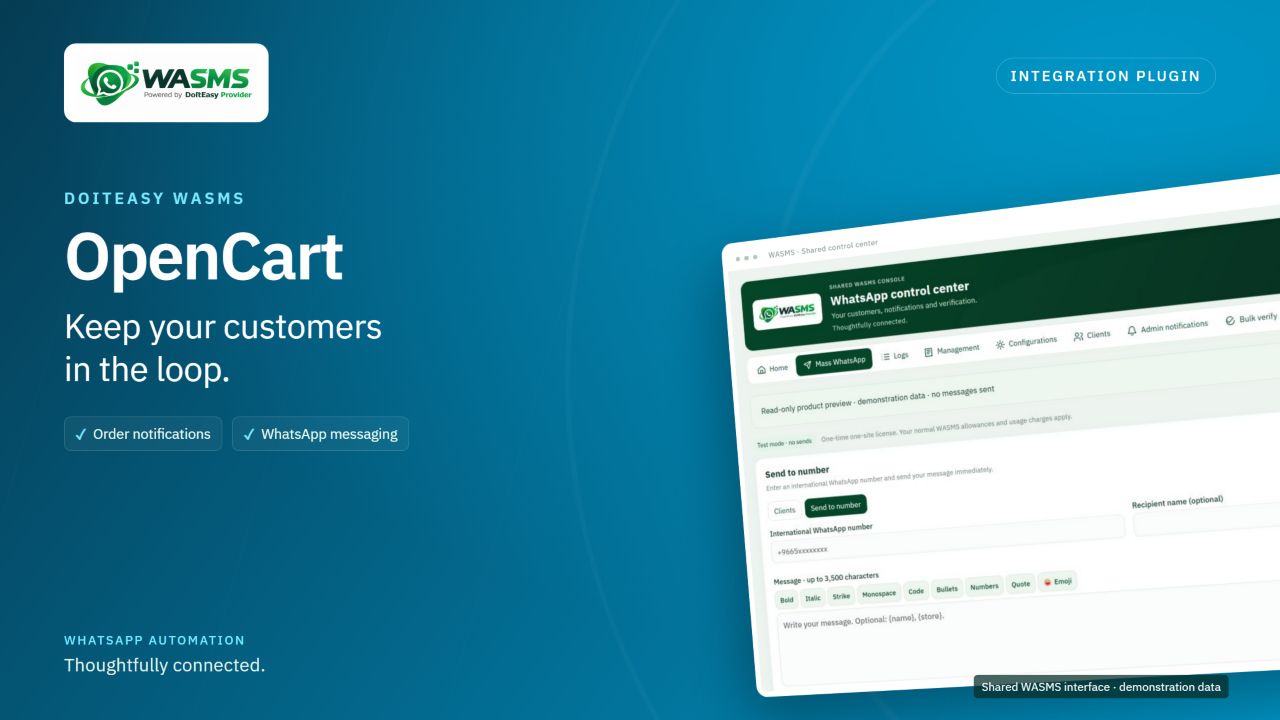
WhatsApp notifications, editable templates and phone verification for OpenCart. One-time activation for one site, with installation and usage guides.
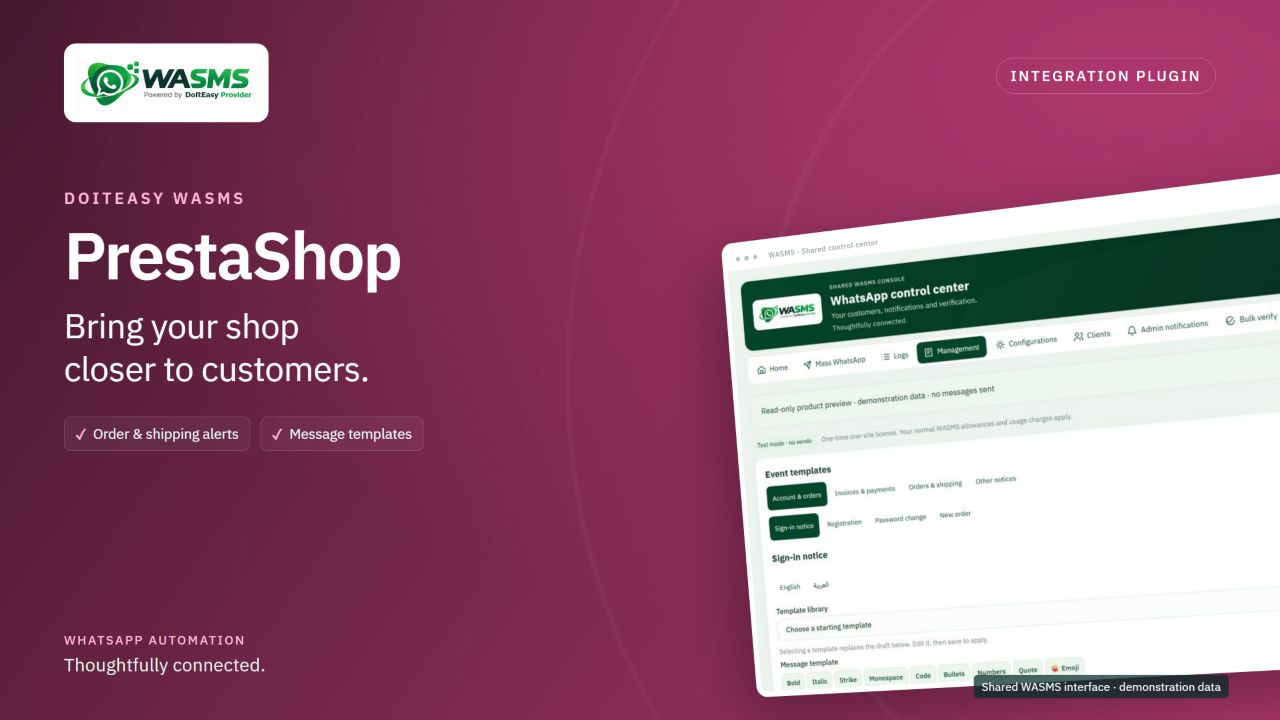
WhatsApp notifications, editable templates and phone verification for PrestaShop. One-time activation for one site, with installation and usage guides.
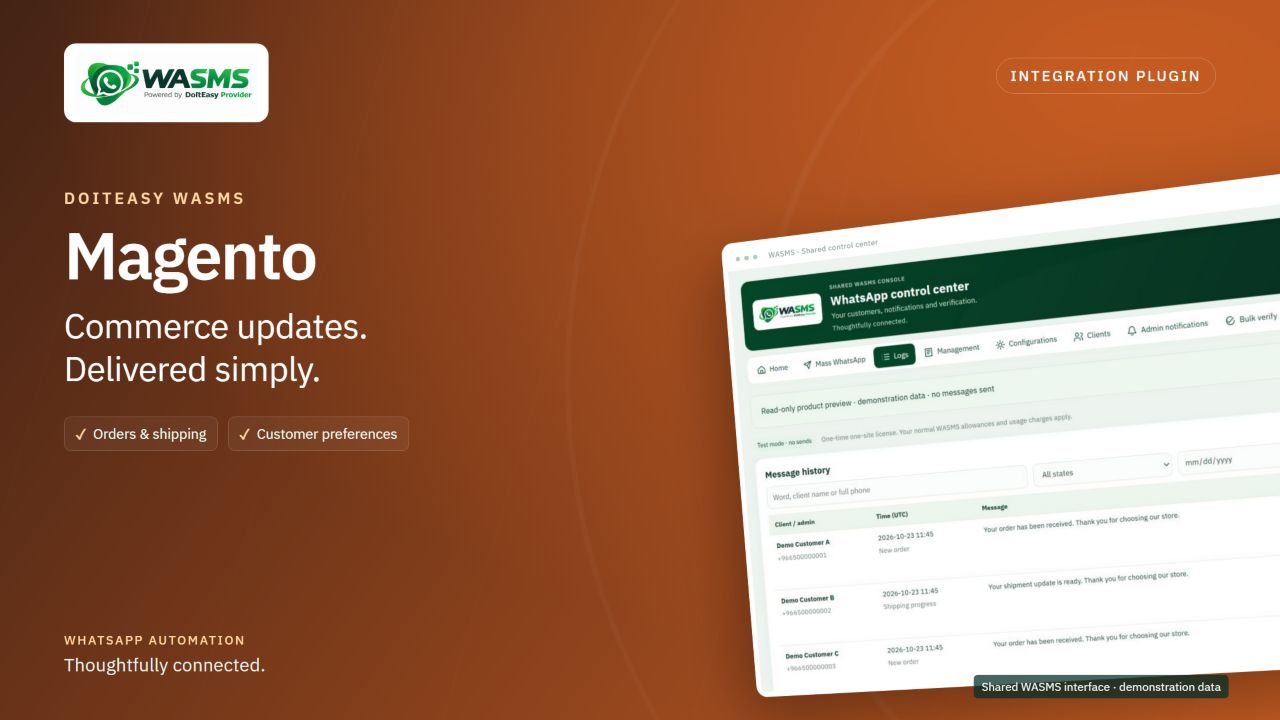
WhatsApp notifications, editable templates and phone verification for Magento. One-time activation for one site, with installation and usage guides.
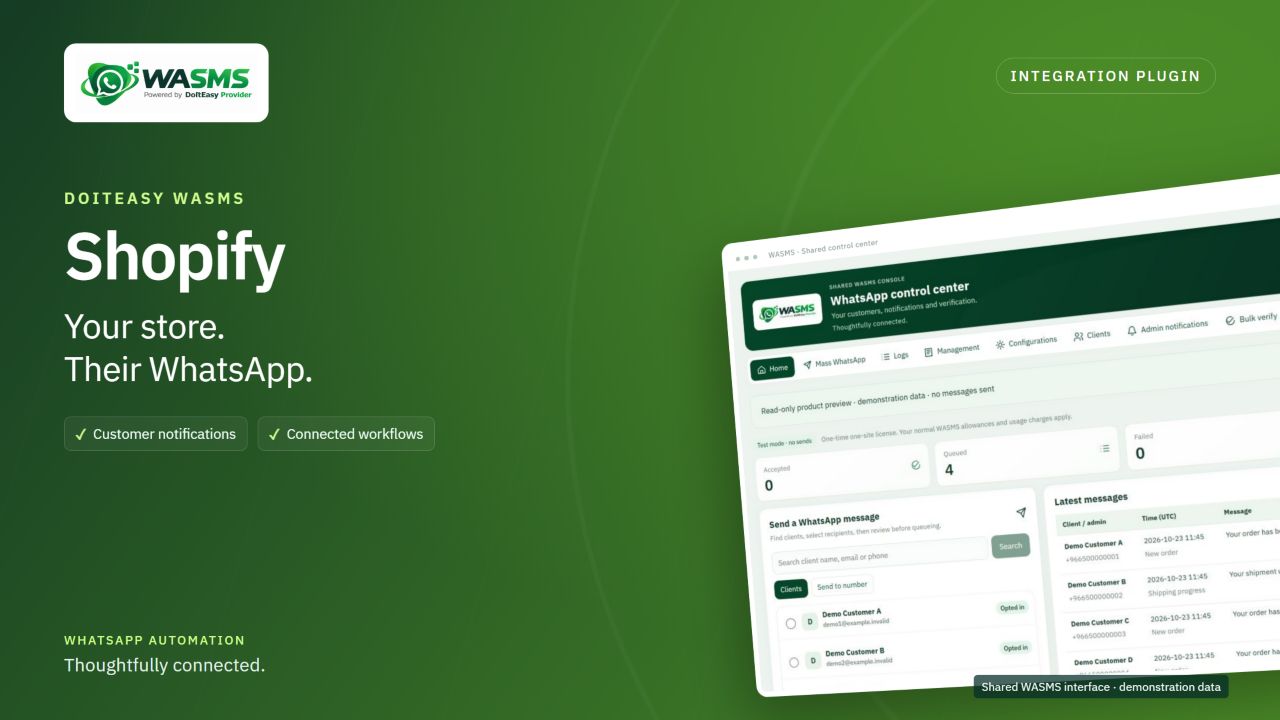
WhatsApp notifications, editable templates and phone verification for Shopify. One-time activation for one site, with installation and usage guides.
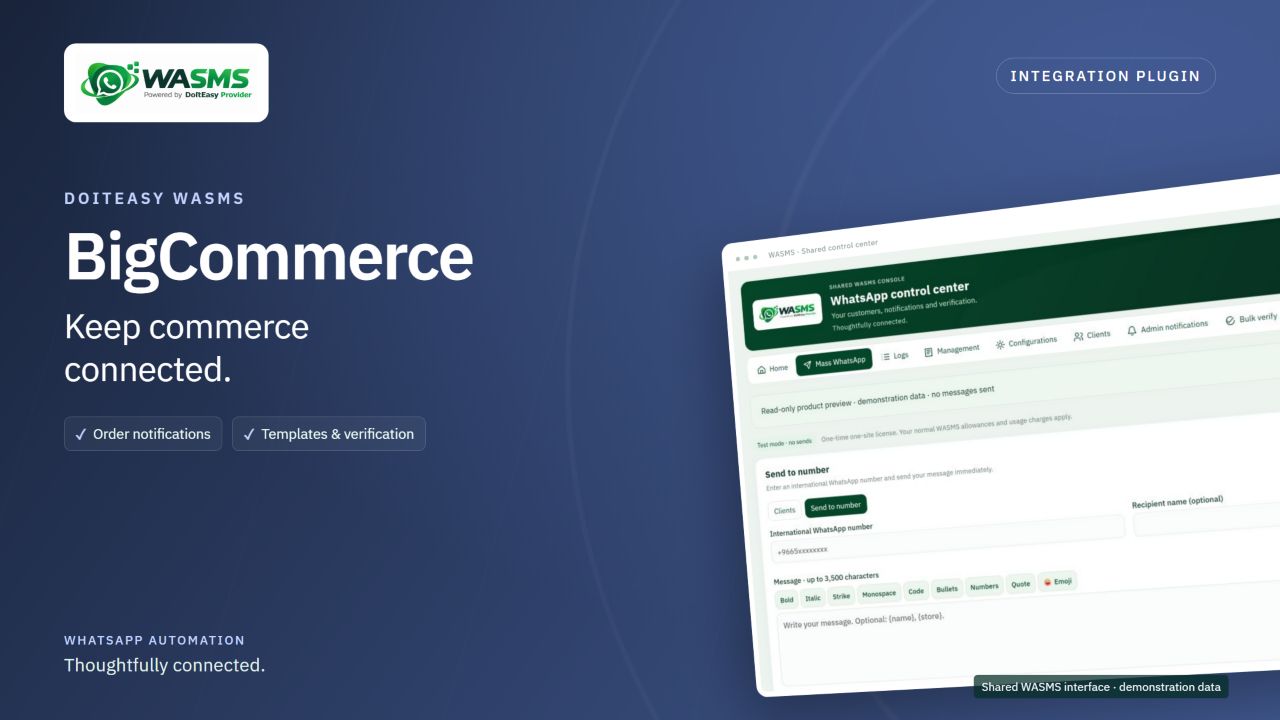
WhatsApp notifications, editable templates and phone verification for BigCommerce. One-time activation for one site, with installation and usage guides.
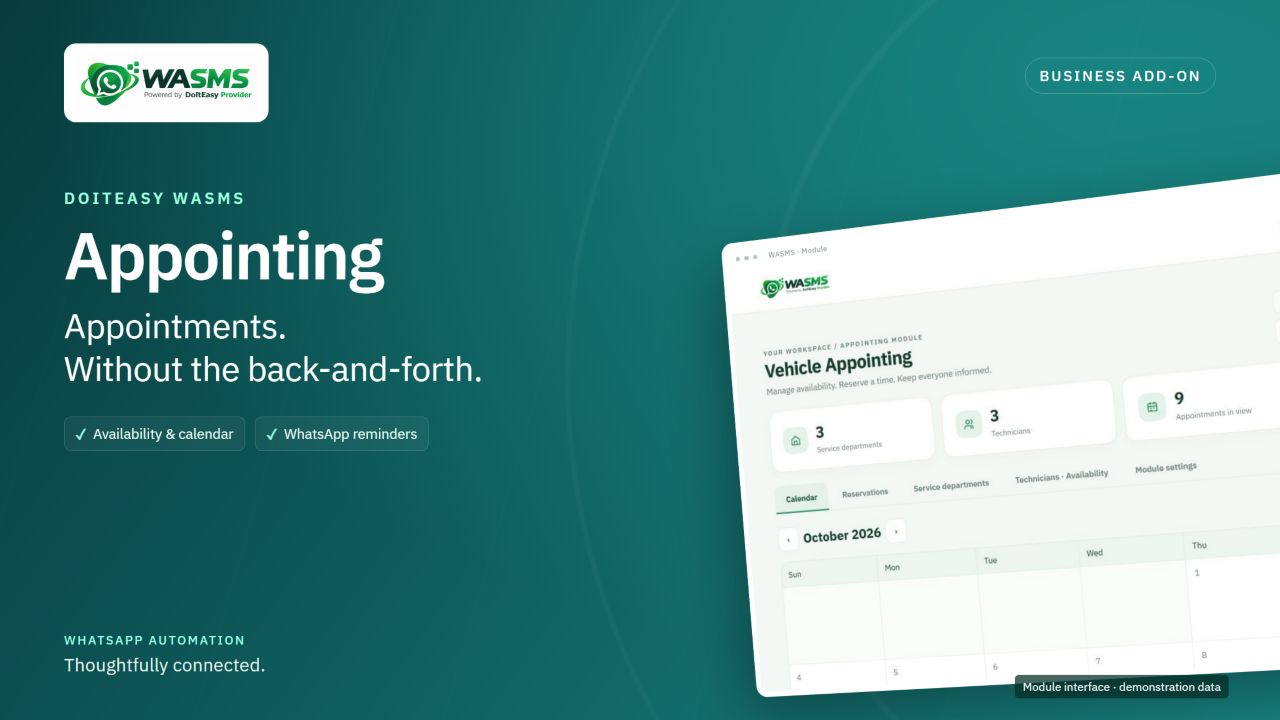
Create appointment workspaces for clinics, hospitals, car maintenance, dealerships and custom services. Manage schedules, availability, WhatsApp bookings and reminders.
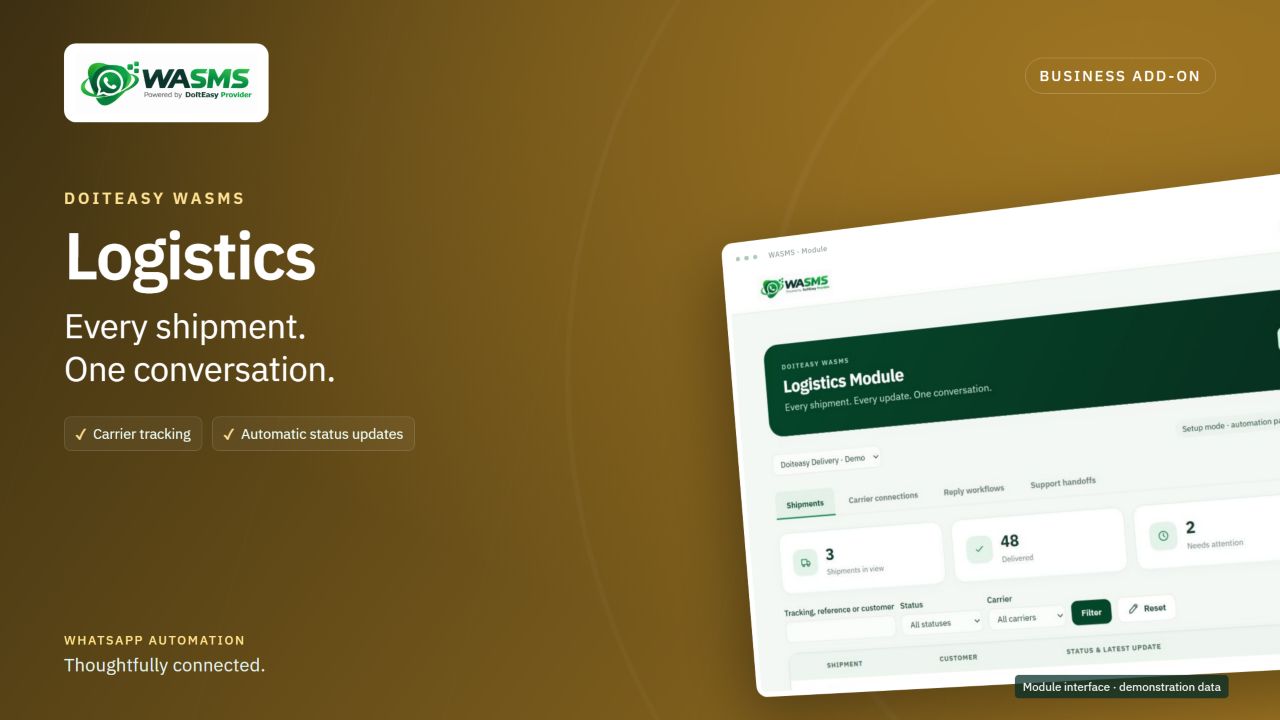
Follow shipments, connect your carrier accounts and keep customers informed with WhatsApp updates and reply workflows.
Follow the QR connection guide, then connect your website or app.
Add your WhatsApp account and choose a server.
Use Linked devices in WhatsApp on your phone.
Choose the permissions your integration needs.
Six short steps through the actual WASMS interface. English on-screen captions, a full transcript and demonstration data. No narration.
1 minute · English captionsDemonstration screens use fictional data and a QR placeholder. Generate your private QR code inside your own account. No messages were sent.
Sign in to WASMS. Open WhatsApp, then Device Managements. Select Add Account. Your plan needs an available server and a device allowance.
Choose an available server, then select Link Account. Keep the linking window open. If the QR code expires, restart the flow to get a fresh code.
In WhatsApp, open Linked devices, then Link a device. On iPhone, start in Settings. Unlock your phone and scan your own account QR code. This panel is a placeholder.
Return to Device Managements and refresh. Confirm your account is connected, then copy its device or account ID. DEMO_DEVICE_ID is a fictional example.
Open API Keys in System Settings. Add a named key with wa_send. Add validate_wa_phone only for number checks. Remove other permissions you do not need.
Save your private API key and connected device ID in the plugin Connection settings. Keep test mode on while checking configuration. No messages were sent in this guide.
A connected workspace for the everyday moments that matter to your customers.

Keep regular customers informed with relevant updates and useful reminders.
Explore the platform ↗Bring your customer communication, contacts and campaigns together.
Explore the platform ↗Use APIs and webhooks to add messaging to your own business tools.
Explore the platform ↗Use our API documentation to connect your systems, configure webhooks and build helpful customer workflows.
Read documentation// Your next customer update
Business event
↓
Your application
↓
WASMS API
↓
A helpful message, delivered.Messaging, connected to your workflow.